Harmony, built in
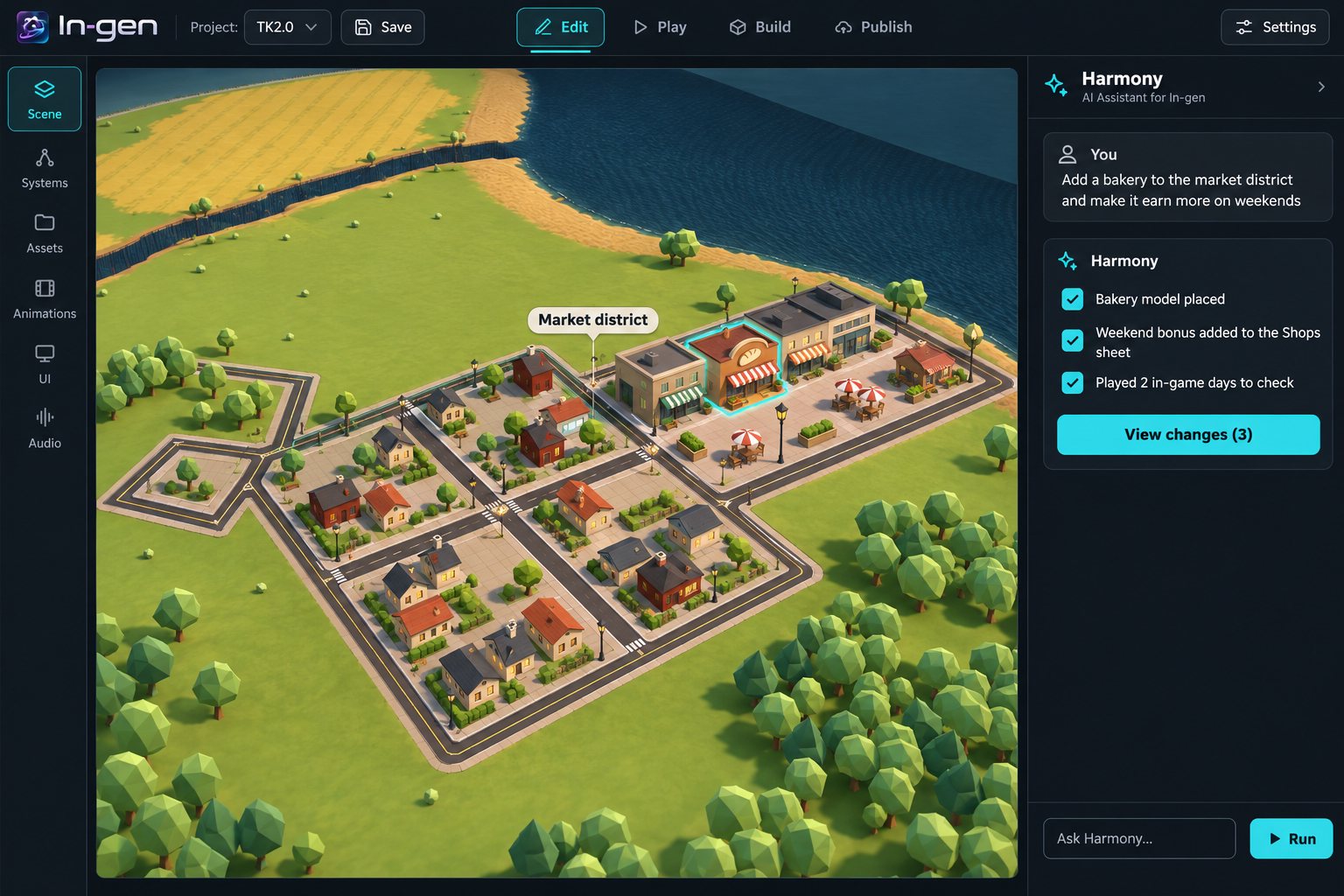
Ask in plain words. Harmony edits the project, shows you every change, and plans long jobs step by step so you can stop and pick up later.
 In-gen
Public beta · Windows
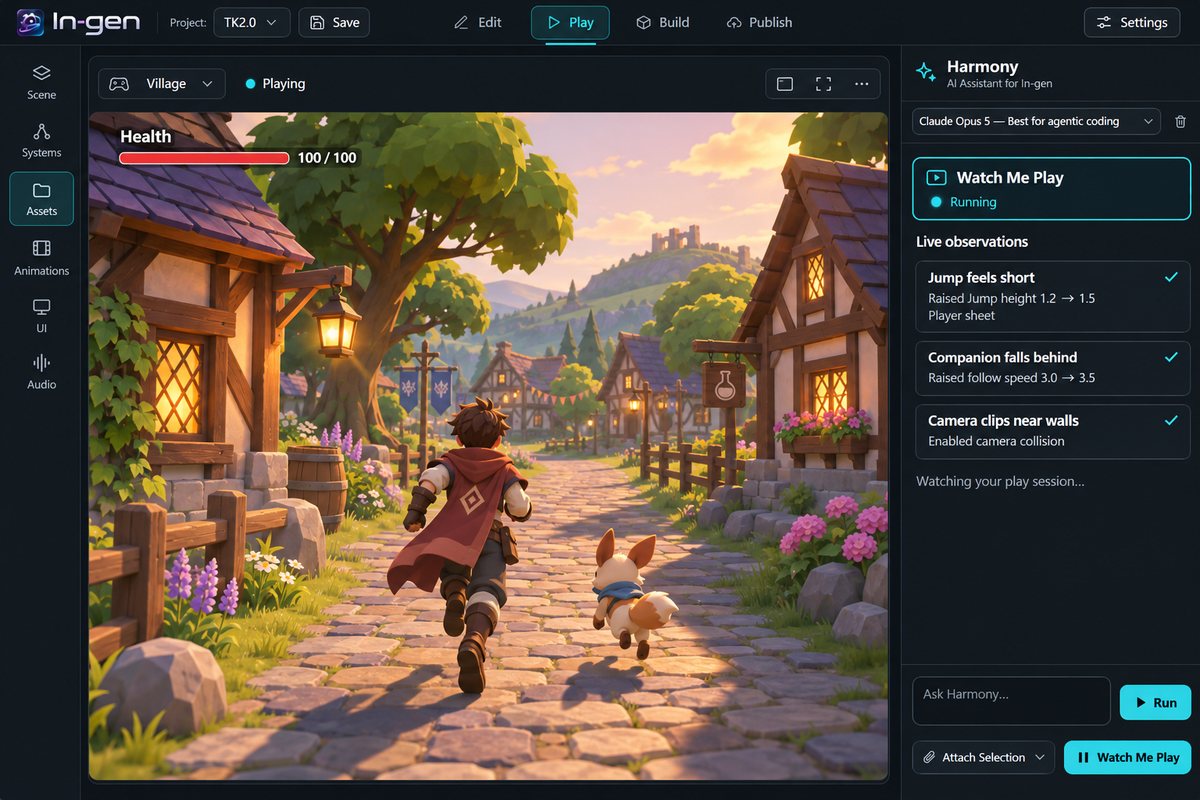
Describe what you want. Harmony, In-gen's built-in agent, writes the gameplay, places the scene and plays it back to check its work, and you see every change it makes.
Ask in plain words. Harmony edits the project, shows you every change, and plans long jobs step by step so you can stop and pick up later.
Claude, ChatGPT, Gemini or Antigravity: sign in with your subscription, use an API key, or drive In-gen from Claude Code or Codex over MCP. The first launch walks you through it.
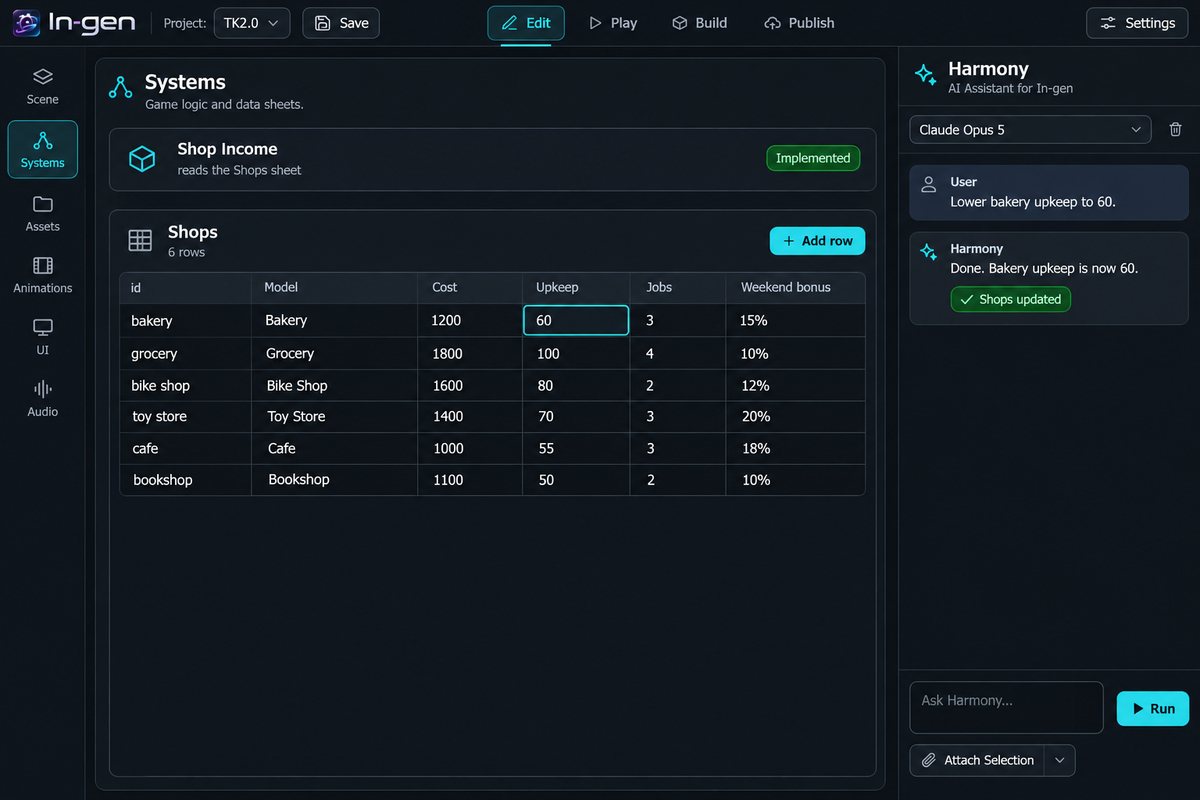
Gameplay lives in Systems and data sheets, not buried in code. Change a number in a sheet and the game follows, no agent needed.
Build Game turns a project into a Windows app or a folder that runs in the browser. That's how Districts plays on Gen Haven.
Screens are illustrations of In-gen.
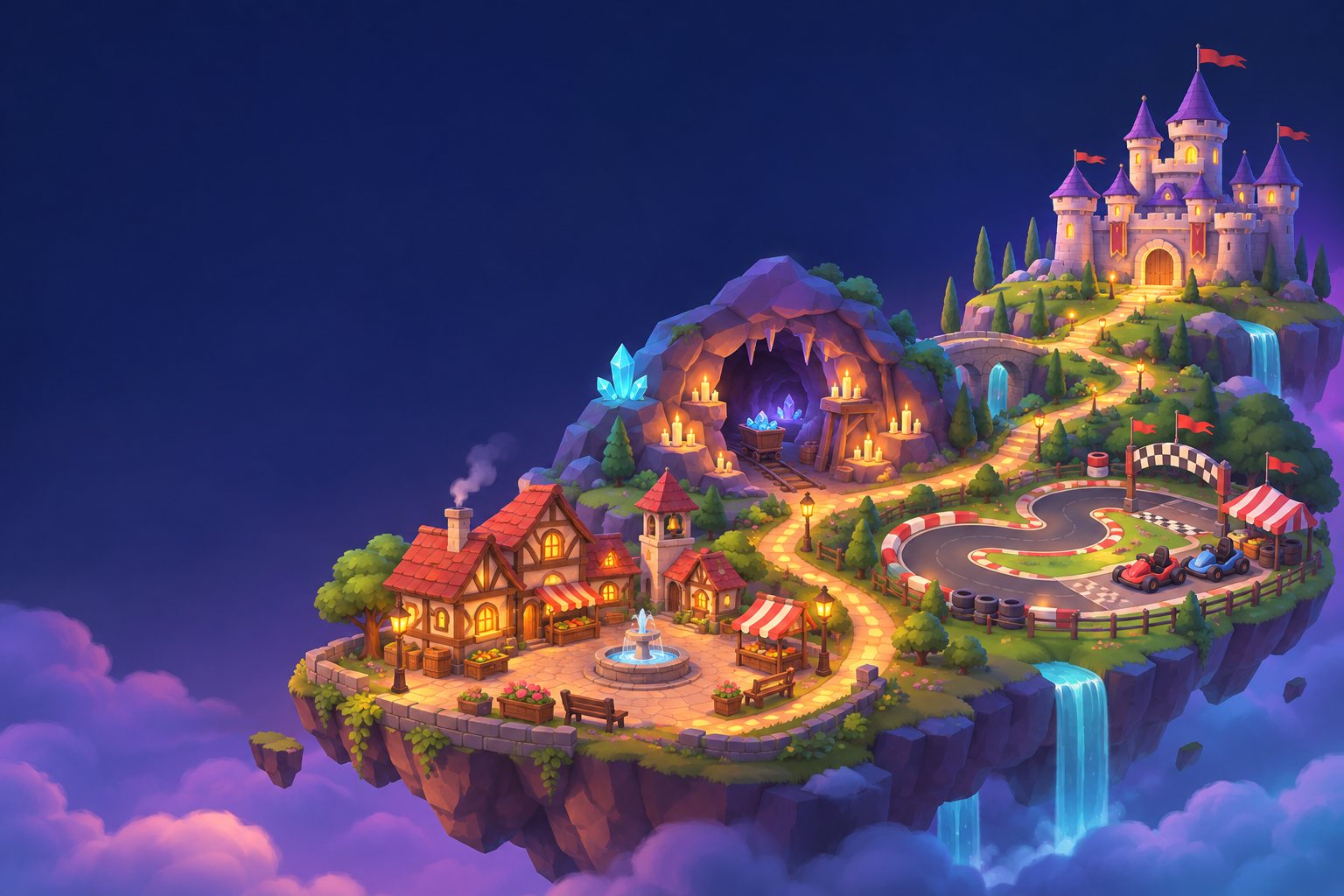
Gen Haven
Start with Districts, a cozy city builder on a tabletop map.
Visit Gen Haven